Request clarification to a RFQ
Clarifications can be sought on an Requests For Quote that you have expressed interest in by creating and sending messages within the RFQ.
To ask for clarifications:
-
Access the P2i login service. Refer to Login to the P2i Main Dashboard
-
From P2i Main Dashboard, select
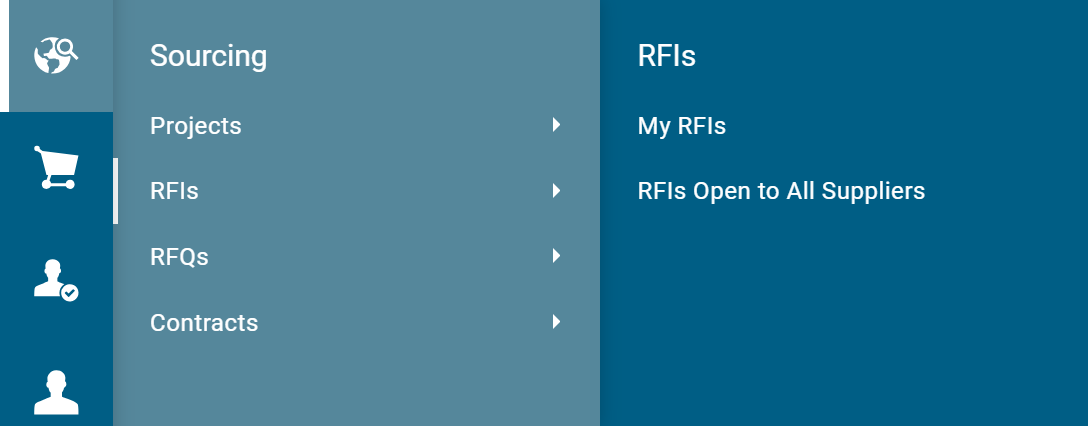
 Sourcing > RFQs > My RFQs.
-
Click the Title (i.e. the hyperlink) to the RFQ you want to seek clarification on.

-
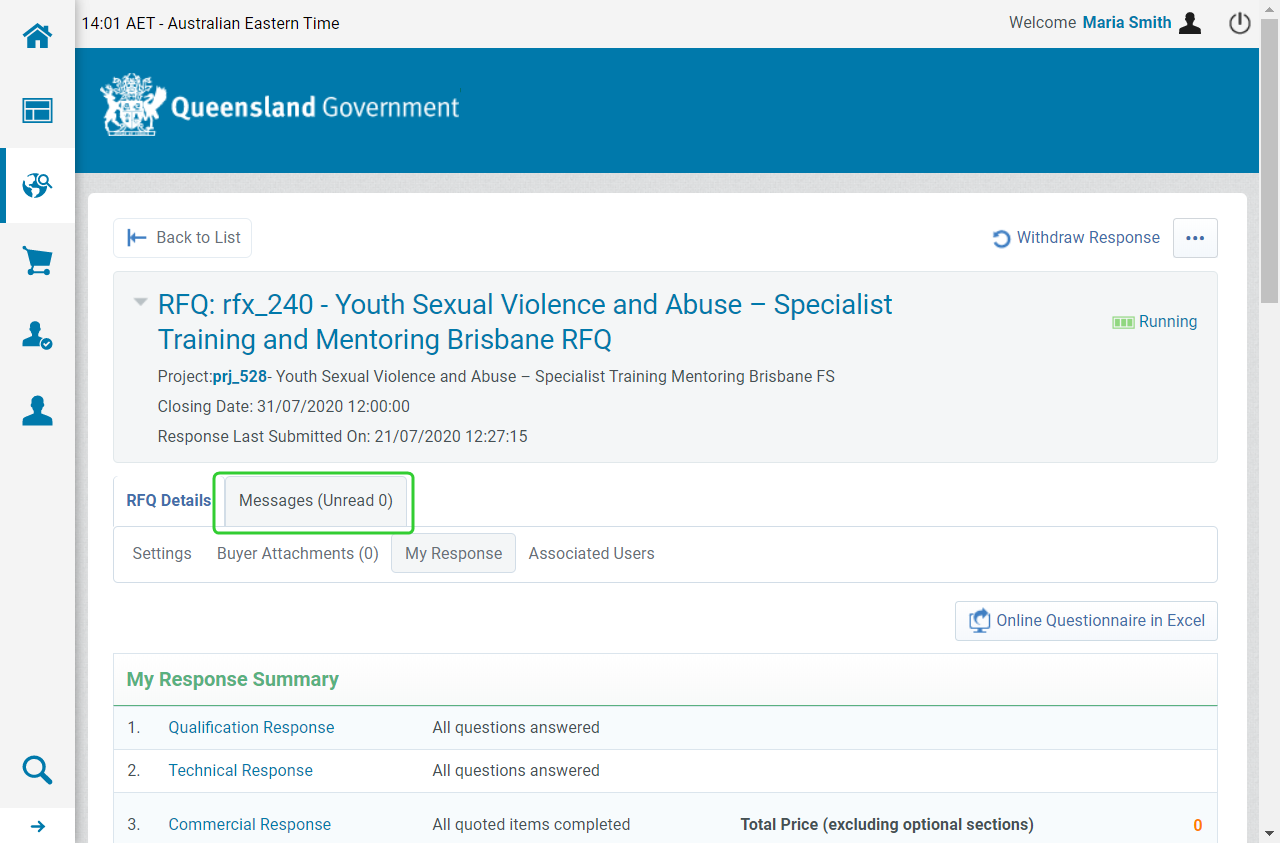
Click the Messages tab.
Tip The Messages tab displays a count of Unread messages.
-
Click Create Message.

Note
TABLE: The other Messages sub tabs available sub tab Description Received Messages
All messages received from the department with regards to this RFQ are displayed here.
Sent Messages
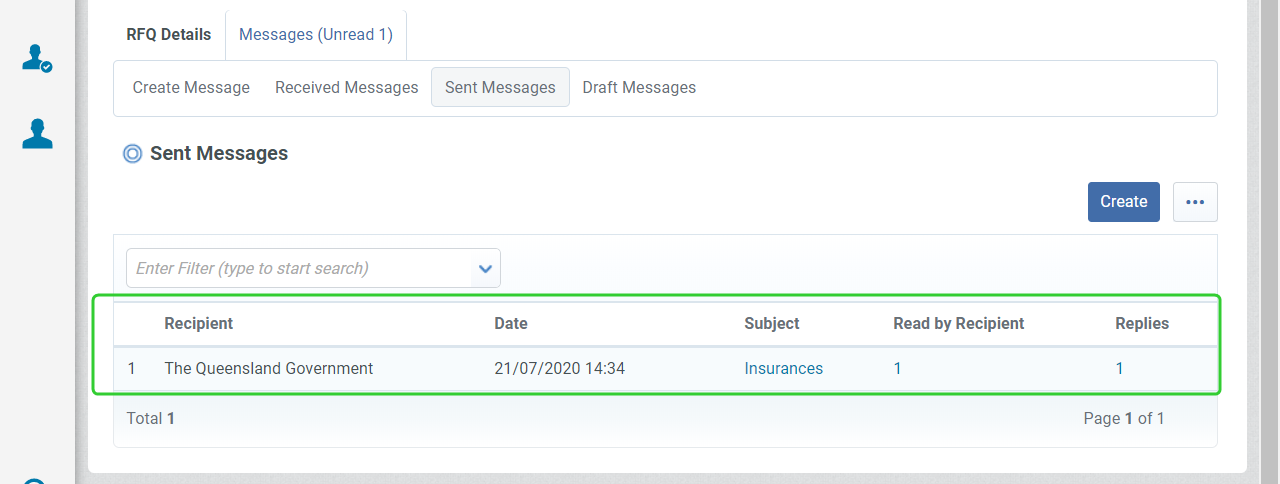
All messages sent to the Department with regards to this RFQ are displayed here.
Draft Messages
All messages saved as drafts with regards to this RFQ are displayed here.
-
Enter the Subject and Message.
-
Click Send Message.
Tip Click Save as Draft to save your message and send at a later time. Click the Attachments button to attach documents to the message.

Note Your messages are available in the Sent Messages tab. You can track Read Receipts and Replies to the message here.